%20(1).png)
CRM activities in ServiceBoard
With version 2.0.2602.x, CRM activities are also available in ServiceBoard Next.
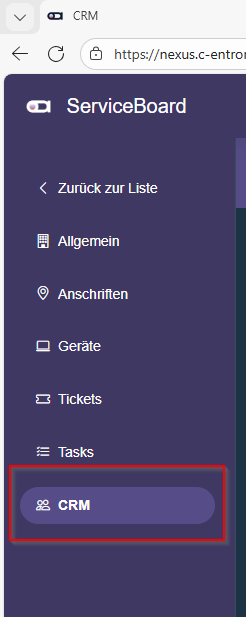
You can find this in the customer overview in the side menu under "CRM."
There you will find an overview of the customer's open CRM activities and can process them in a similar way to the c-entron application.
The view is divided into two areas:
(1) the search and filter area
(2) the work area
Search and filter area
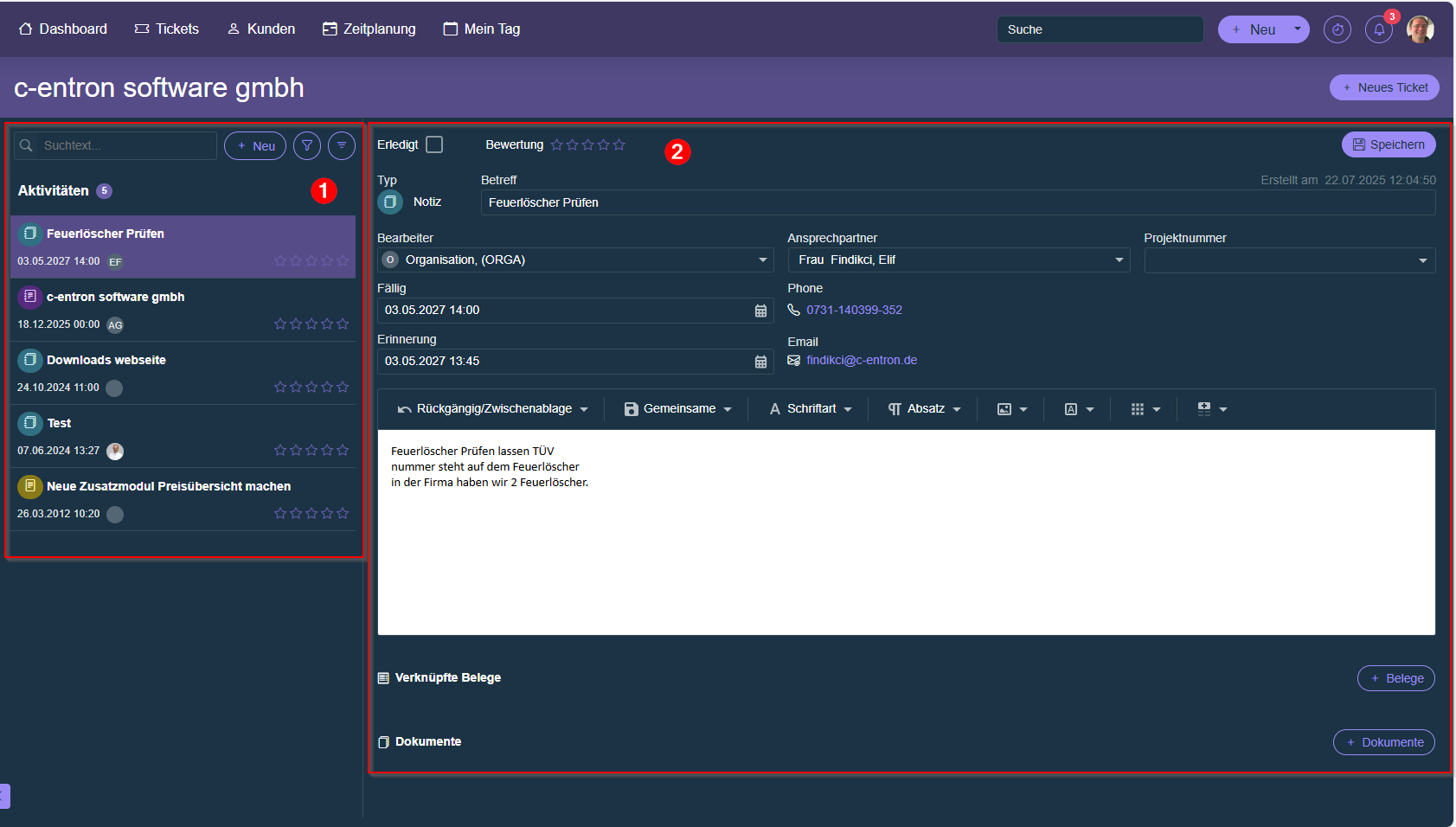
In the search and filter area, select the desired activity to view and edit it in the workspace.
New CRM activities can also be created here.
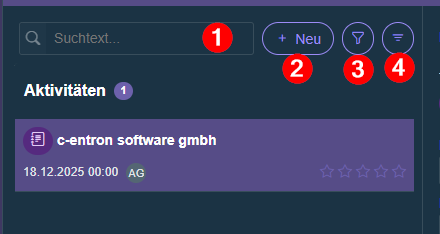
(1) You can use the search field to search for a keyword that is included in the subject line of the activity.
(2) Click "+ New" to create a new CRM activity.
(3) You can use the filter settings to filter activities by type and assignee.
In addition, completed activities can also be displayed.
(4) Use the outline button to group activities by assignee, due date, or type.
work area
The details of the selected CRM activity are displayed in the work area.
Here you can edit and manage the activity.
The following actions are available to you:
- Mark activity as "completed"
- Give a rating
- Change responsible agent
- Adjust due date
- Change contact person
- Select CRM project
- Add description
- link to open documents
- Save documents
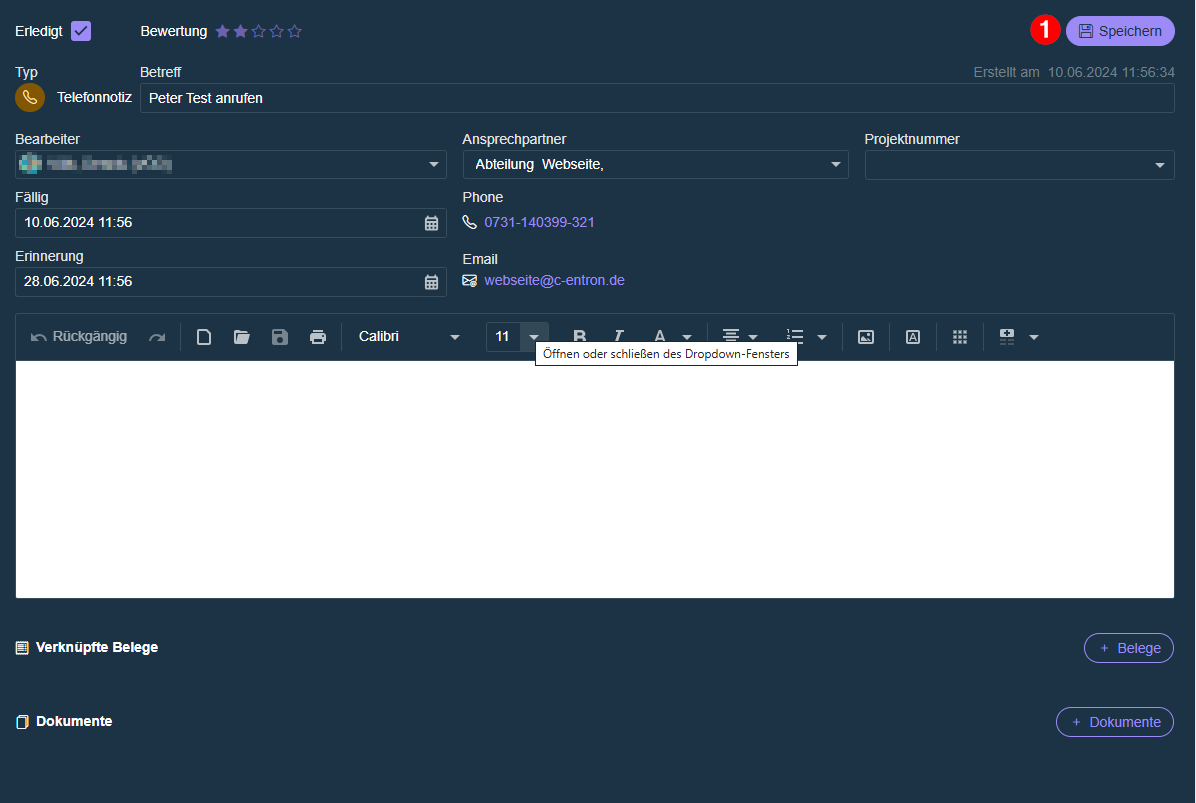
Please note that changes must be saved manually (1).
For newly created activities, linking to receipts and uploading documents is only possible after the activity has been saved for the first time.