%20(1).png)
c-entron dashboard - English
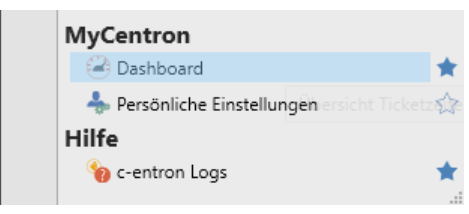
The dashboard can be found under "MyCentron" in the module tab on the right.
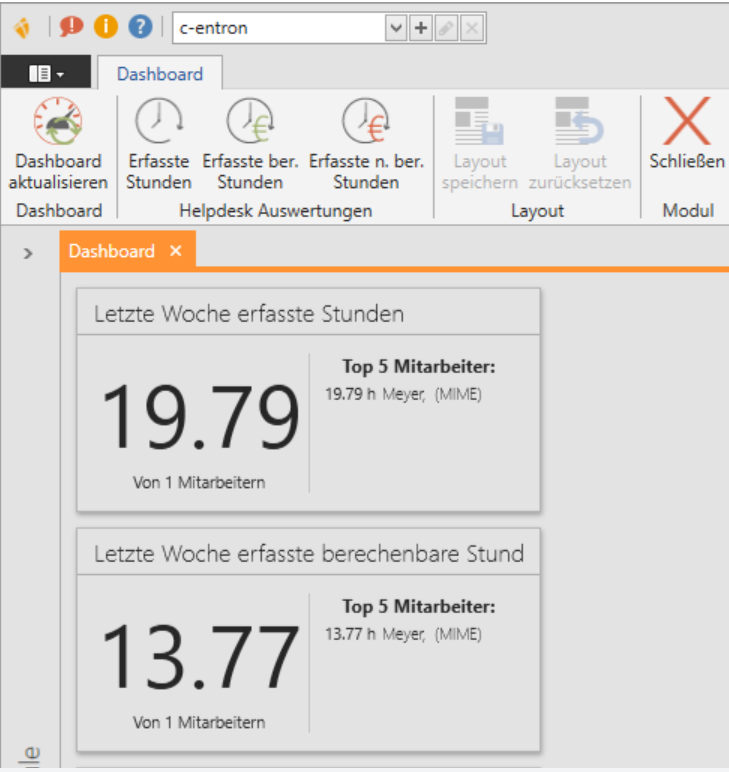
Fixed evaluations are the recorded hours, recorded billed hours, and recorded unbilled hours. You can also completely update the dashboard here.
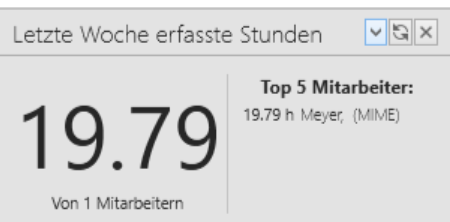
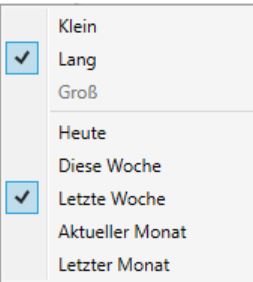
By clicking on the drop-down menu, you can customize the field as you wish.
In addition, with one click here you also have the
Option to update or close the field.
Pin customers to the dashboard
You can also pin each customer to the dashboard.
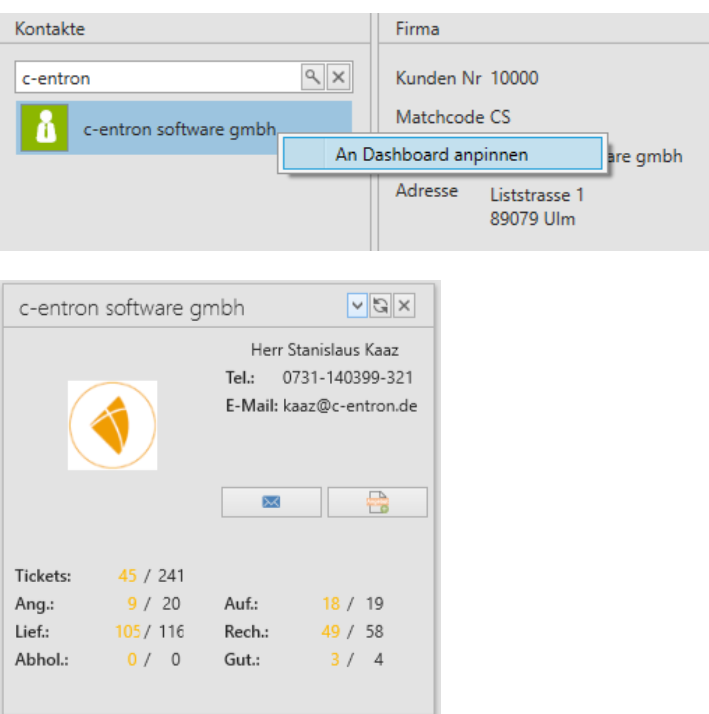
In the dashboard, it looks like this:
(in large format).
Here you also have the
Option to change the size.
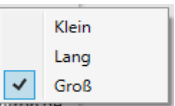
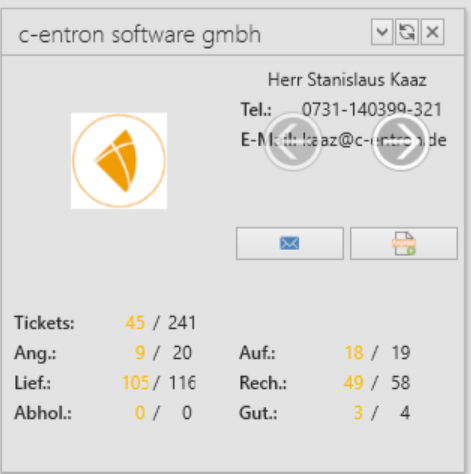
Here you also have the option of changing the contact person via overlay.
You can then send the contact person an email (1.) or a quote (2.) directly.
Pin receipts to the dashboard
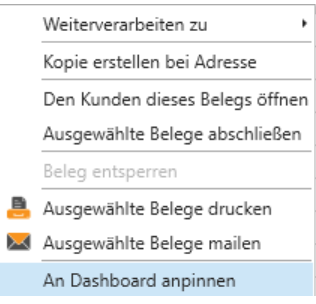
You also have the option of pinning documents (quotations, orders, delivery notes, invoices, credit notes) to the dashboard.
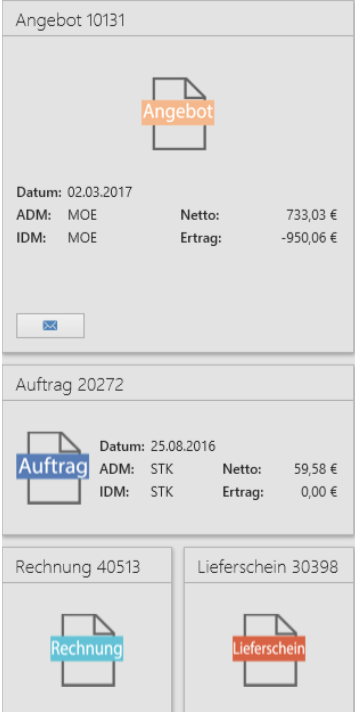
You can then display these in large (quote 10131), long (order 20272), or small (invoice 40513 and delivery note 30398) format. In the large field, you then have the option of sending an email with attachments containing the document directly to the customer.