%20(1).png)
c-entron Help
The integrated help function provides you with a wealth of information about c-entron. It is essentially an internal wiki, providing you with helpful tips whenever you need them.
Search and setup of the help module
We have a few tips and tricks to make the whole process even easier. You can find help in the top left corner under the blue question mark (?).
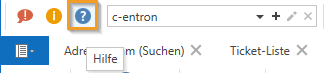
Clicking on it opens a modular window that you can even drag to a second screen—super handy!
There you will see the familiar folder structure of c-entron. You can easily navigate through the topics, whether by areas such as contracts, logistics, controlling, or many other topics. Subfolders are created under these folders, and the actual help entries are then located in the subfolders.
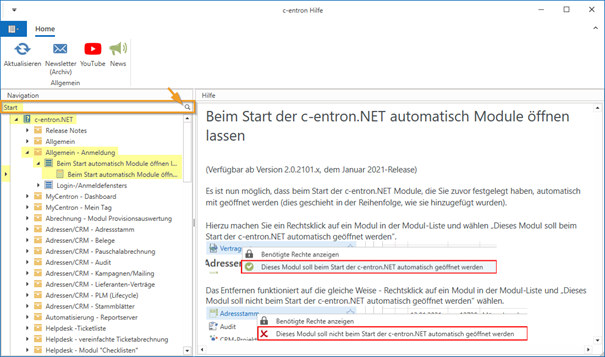
Keywords can be searched for using the search bar.
Currently, the area you have just selected (indicated by the small arrow in the navigation bar) is always searched here.
If you are looking for something in c-entron.NET, navigate to it and then perform the search. If you want to search for something in VMA, the Virtual Mail Assistant, first navigate to the area and then perform the search.
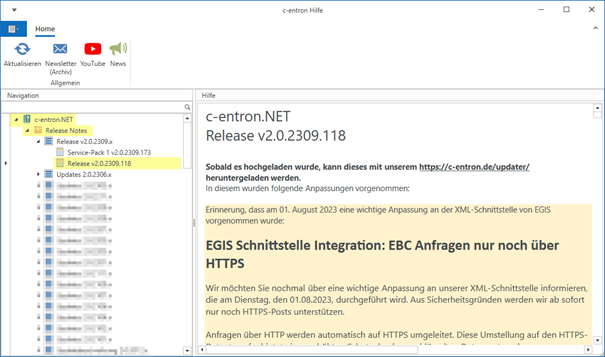
Release Notes
In the Release Notes folder, you can see what has changed in the various program versions. Here you will find an overview of all new features, as well as any bug fixes or other adjustments that have been made. This means that you can get a little insight into the more recent versions here.
Search in the help entries
If you want to search for something in a help entry, we have a tip for you: Press [Ctrl] + [F] when you are focused on the actual help entry and a search window appears.
Enter your keyword, press Enter, and c-entron will automatically navigate you to the next hit. If you click on the arrow next to the search field, you will even find options such as case sensitivity or searching for whole words. That's really clever!
The help itself is not subject to legal restrictions, meaning that no further rights are required to use it. This means that every employee can and should use the help if they need information on a specific topic or module.
Integration of c-entra into the integrated help system
(available from release v2.0.2505.x)
With the continuous expansion of digital support and AI-based functions within the c-entron software, c-entra created.
You may already be familiar with the name from our video portal or the company website. Now you can get c-entra an even more direct place – in your c-entron application.
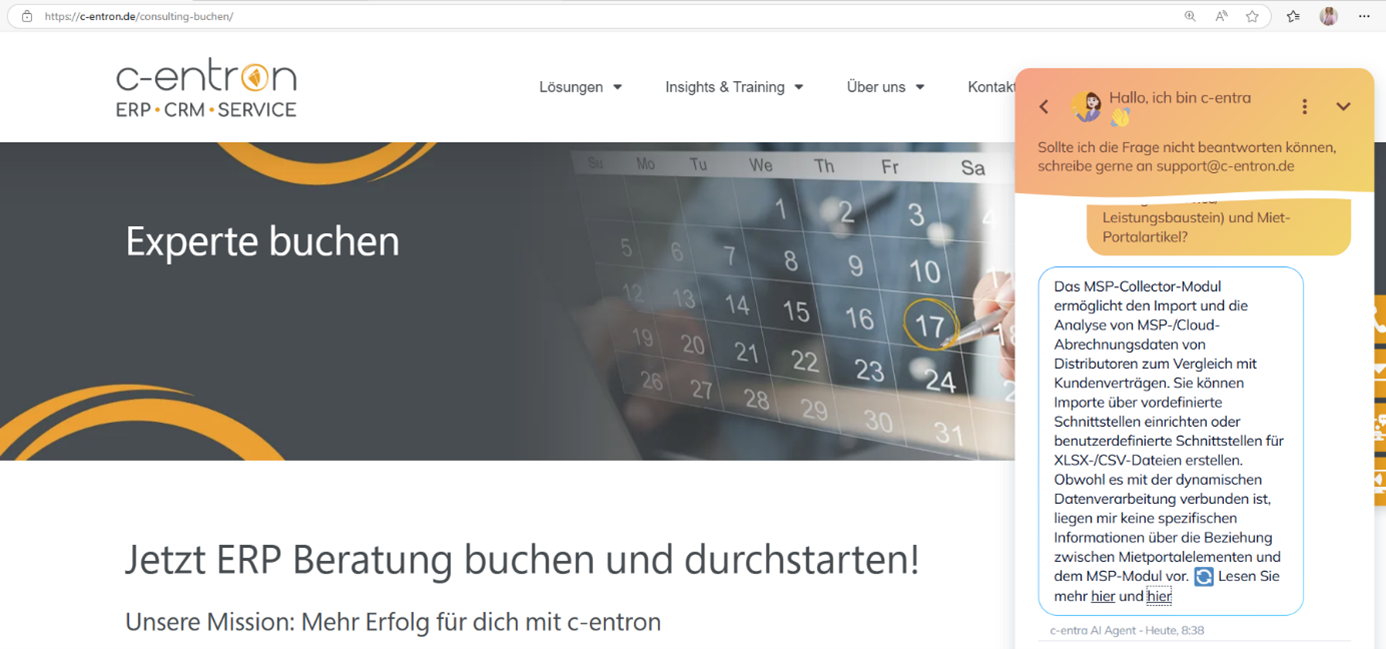
You will now find a new feature in c-entron c-entra button in the integrated help.
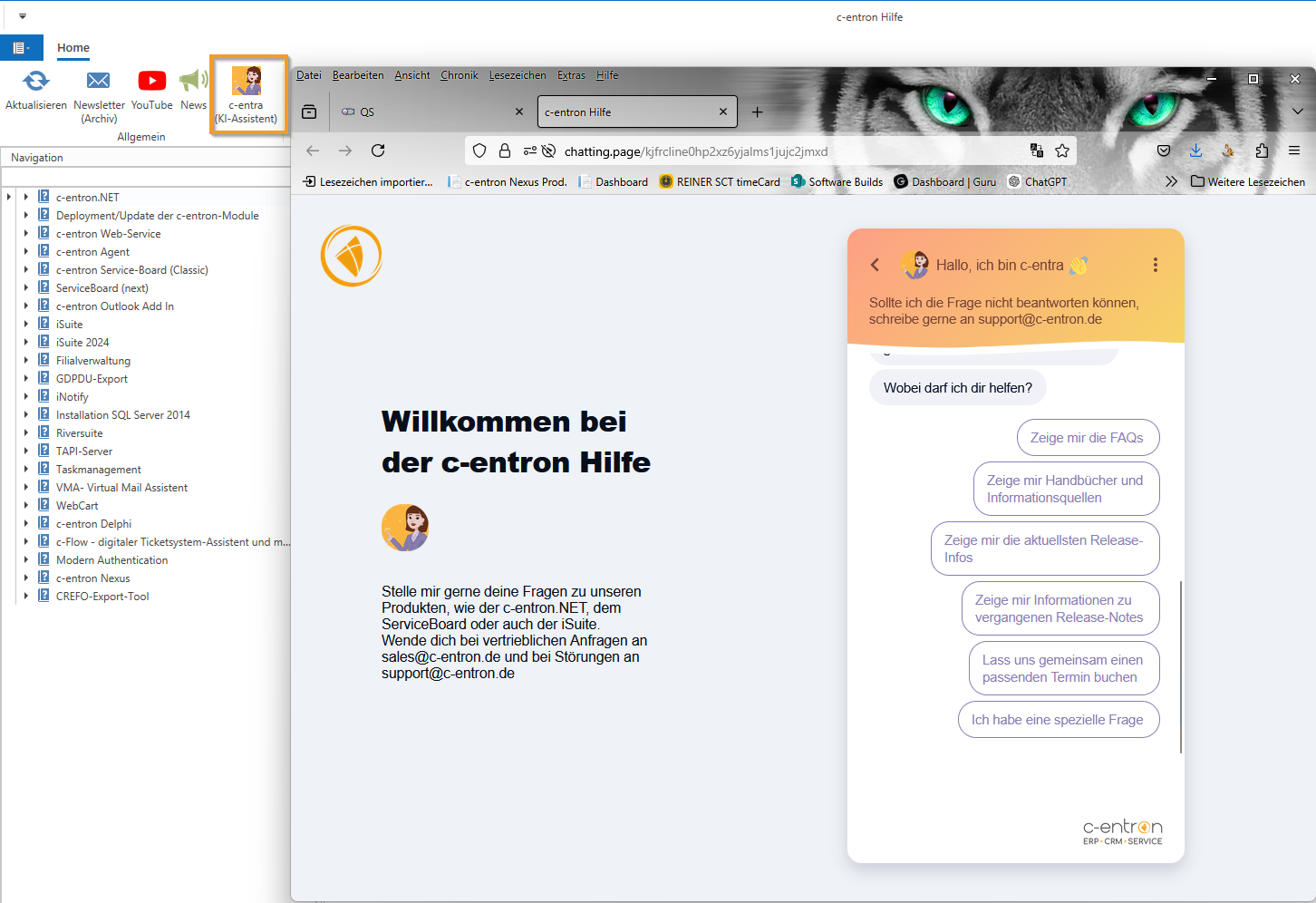
Clicking on it will take you directly to c-entra platform – a specially developed website that supports you with AI-based assistance. There you will find specifically prepared content that makes it easier for you to use the c-entron software, explains complex issues in an understandable way, and provides smart answers to your questions with the help of artificial intelligence.
This is another step towards greater user-friendliness and digital support – tailor-made for you.