%20(1).png)
Email templates
Personal email templates
The "Mail Templates" module has been revised and expanded to include "Personal Mail Templates."
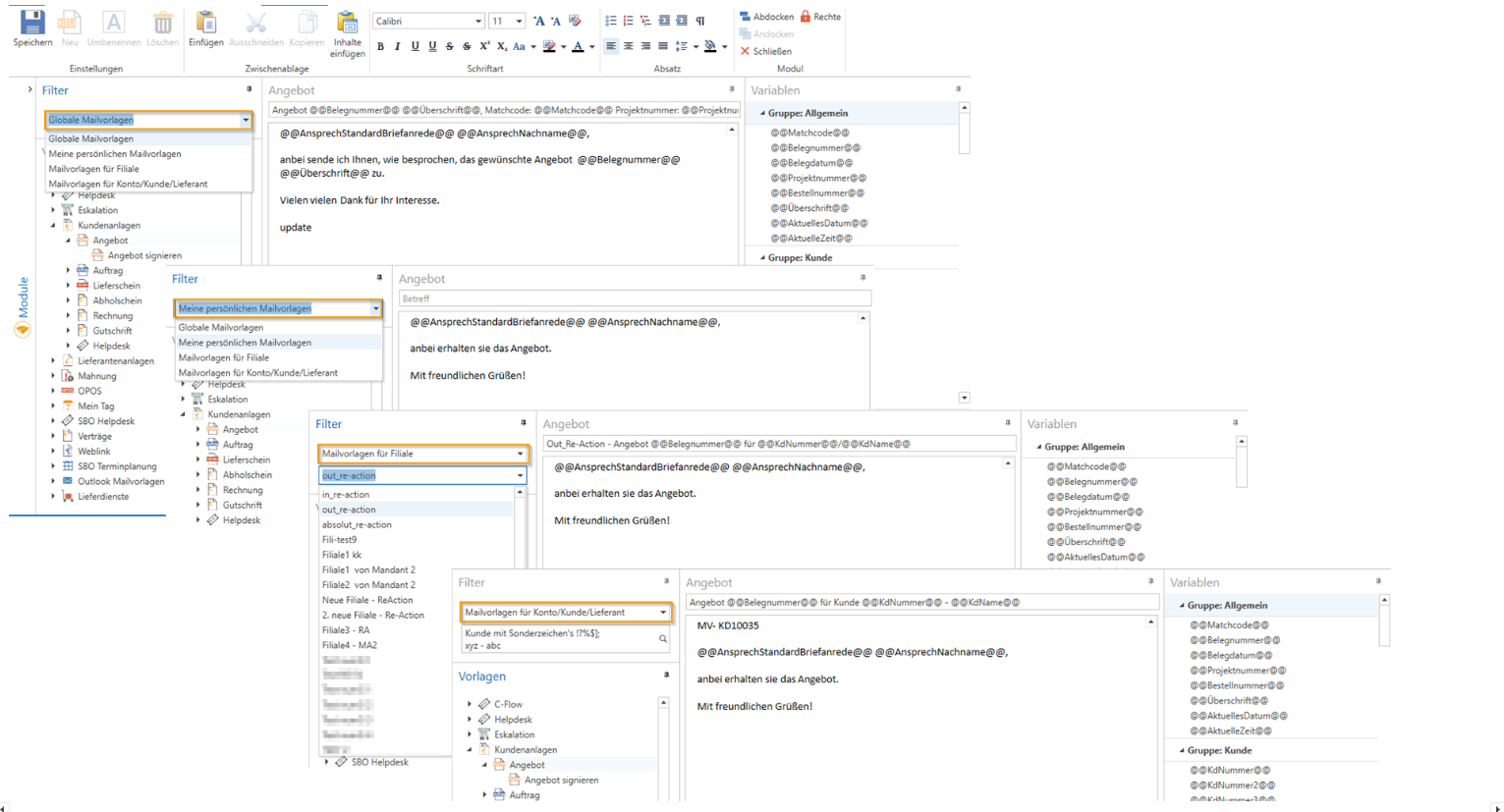
The email templates are checked in the following order:
Account/Module "Mail Templates"
First, the account (account/customer/supplier) is checked to see if a mail template is stored there.
Personal mail template in the "Mail Templates" module
Next, the Personal Mail Templates are checked to see if a template is stored there.
NOTE: These can now be created in c-entron.NET with rich text format from v2.0.2211.460 onwards. The personal mail templates previously created in Delphi are not transferred here.
3. Branch mail template in the "Mail Templates" module
Next, the branch mail templates are checked to see if a template is stored there.
4. Global mail template in the "Mail Templates" module
Next, the global mail templates are checked to see if a template is stored there.
5. Standard/default mail template from c-entron
If no template is stored here, a standard email template with a "standard" text from the
c-entron is used.
NOTE: Mail templates cannot be created from scratch, only revised or modified, which is why the button is grayed out/inactive.
Outlook mail templates are an exception; you can create these individually for yourself using the [New] button.