%20(1).png)
Leasing and Service
In the Leasing/Service module, you can store various leasing and service conditions, which can then be accessed from a quote.
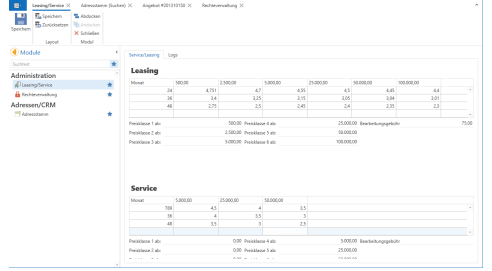
The L moduleeasing/Service You can find it on the left under Modules in Administration.
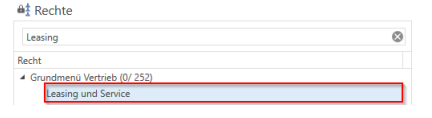
This requires the "Leasing and Service" right, which you can find under the Sales main menu.
Enter price ranges
Before you can enter the leasing service rates, please define the various price scales. Please fill in the fields "price ranges" and, if you wish, you can also enter a "processing fee" Now enter the different price categories in the table above. Price category 1 is the highest amount for leasing. CautionAll price ranges must be filled in order to use leasing.
The price ranges represent the headings in the respective table; if 0 is entered in the price range, the column is hidden.
Store leasing/service rates
Once you have created the price ranges, you can create different leasing service rates by specifying the term in months and then the respective percentage. To create another row in the table, press [Enter] or [Tab] in the last field in the bottom row of the table. Rows that only contain zeros will be deleted when you save.
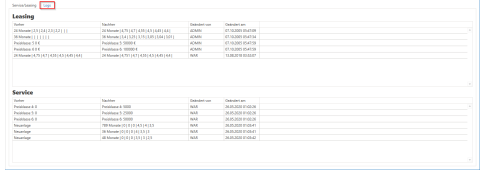
Click [Save] to save the changes. To ensure that these changes are transferred to the documents, you must log out and log back in to centron.NET. All changes to the leasing service conditions are logged in the "Log."
Tip
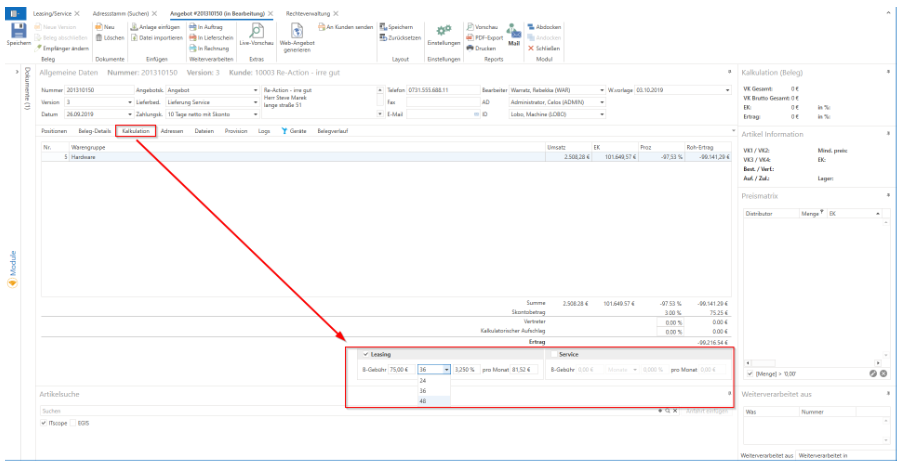
You can create leasing/service offers in the offer under the "Calculation" tab.
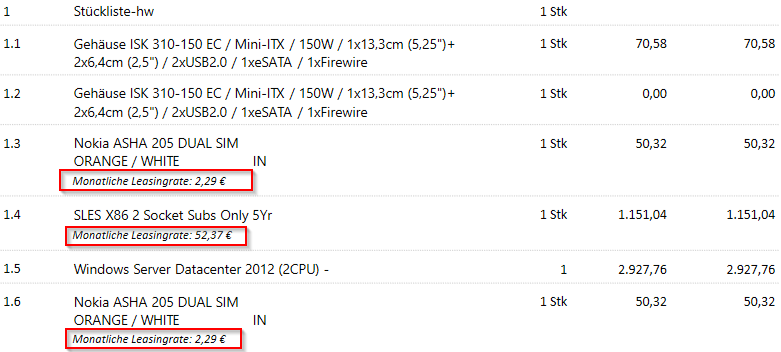
Leasing in parts lists
In the leasing calculator, you can also apply leasing to parts lists. However, there are some details to consider:
If the bill of materials is marked for leasing, all items contained therein are also calculated for leasing.
Only individual items in the bill of materials can be included in the lease by not marking the bill of materials header with "Actual lease," but only the desired items.
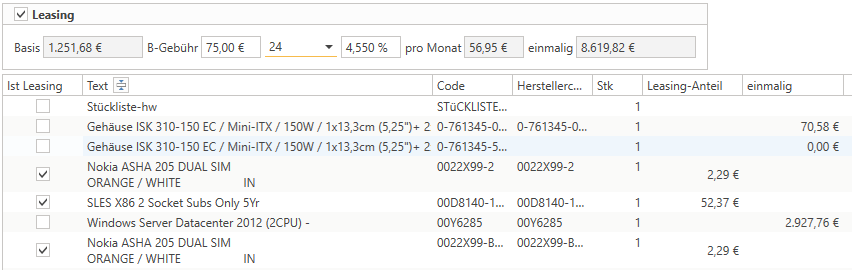
In this case, the bill of materials should also be displayed expanded (note report settings if necessary), because if the bill of materials is collapsed, the report calculates the leasing rate as if the entire bill of materials were relevant to leasing.