%20(1).png)
OPOS import via DATEV interface
Export from DATEV
In DATEV, navigate to the OPOS list of your debtors and open the OPOS list.
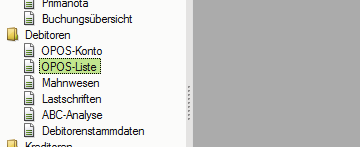
Pay attention to the filtering of the item scope: only "open items" should be displayed here.

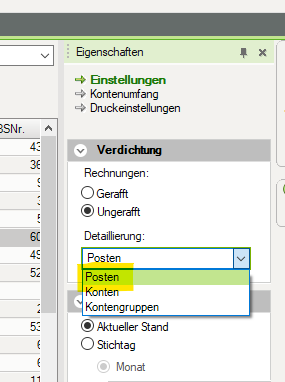
You may need to change the compression setting to "Post."
Ensure that the columns are sorted in the following order.
Account
Invoice number
Date
Due date
Amount due
Balance
Balance
Contra account
Booking text
You can open this list in Excel using the context menu. Select "Standard (items)" here.

In Excel, save the list as a csv file.

Export to c-entron
The list created in this way corresponds to the format that c-entron can import and process in the Accounting Export/Import module using the "user-defined interface."

Select OPOS import interface
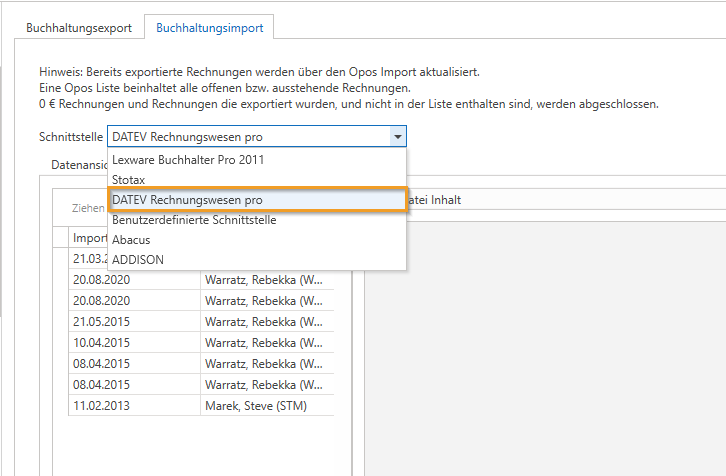
In order for the import to work in c-entron, the native interface "DATEV Rechnungswesen pro" must be selected in the "Accounting export/import" module under the "Accounting import" tab for OPOS import.