%20(1).png)
Report "WebAccounts (Overview) - VL - 2023-02-09"
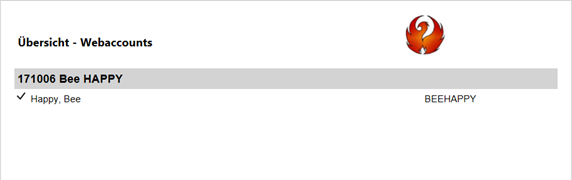
Depending on whether a customer has been selected, this report lists the customer's WebAccounts or, if no customer has been selected, all WebAccounts.
It can be downloaded via the Report Portal using the [Load Portal Reports] button and can then be found under Master Data - Address Master.
Double-click on this report to save it.
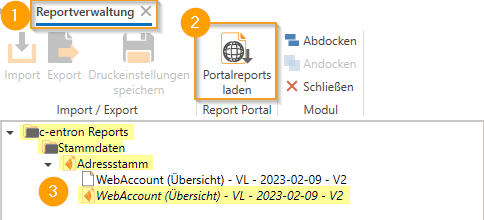
Output of WebAccounts in the report
If NO customer is selected in the customer master, the report lists ALL web accounts.
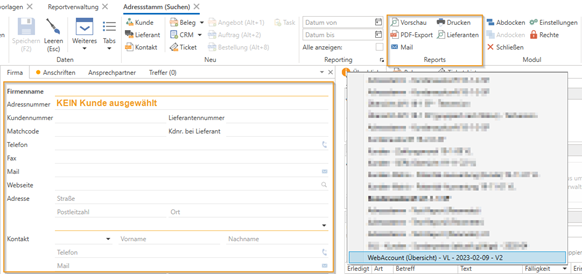
No customer -> All WebAccounts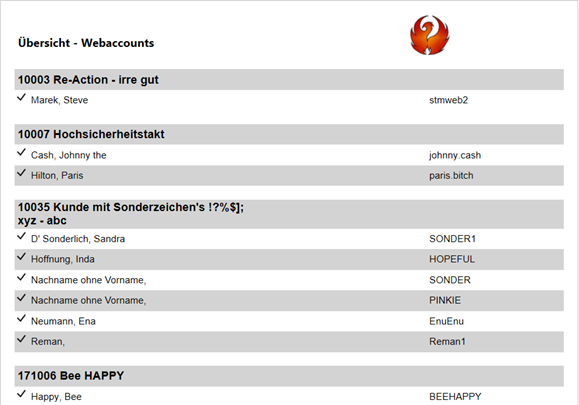
Once you have selected a customer, you will ONLY receive the WebAccounts of the selected customer in the report.
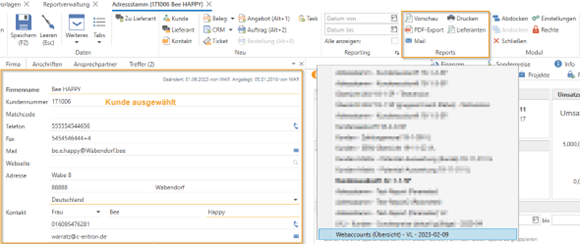
One customer -> Customer's web accounts