%20(1).png)
The new iSuite
iSuite – brief overview
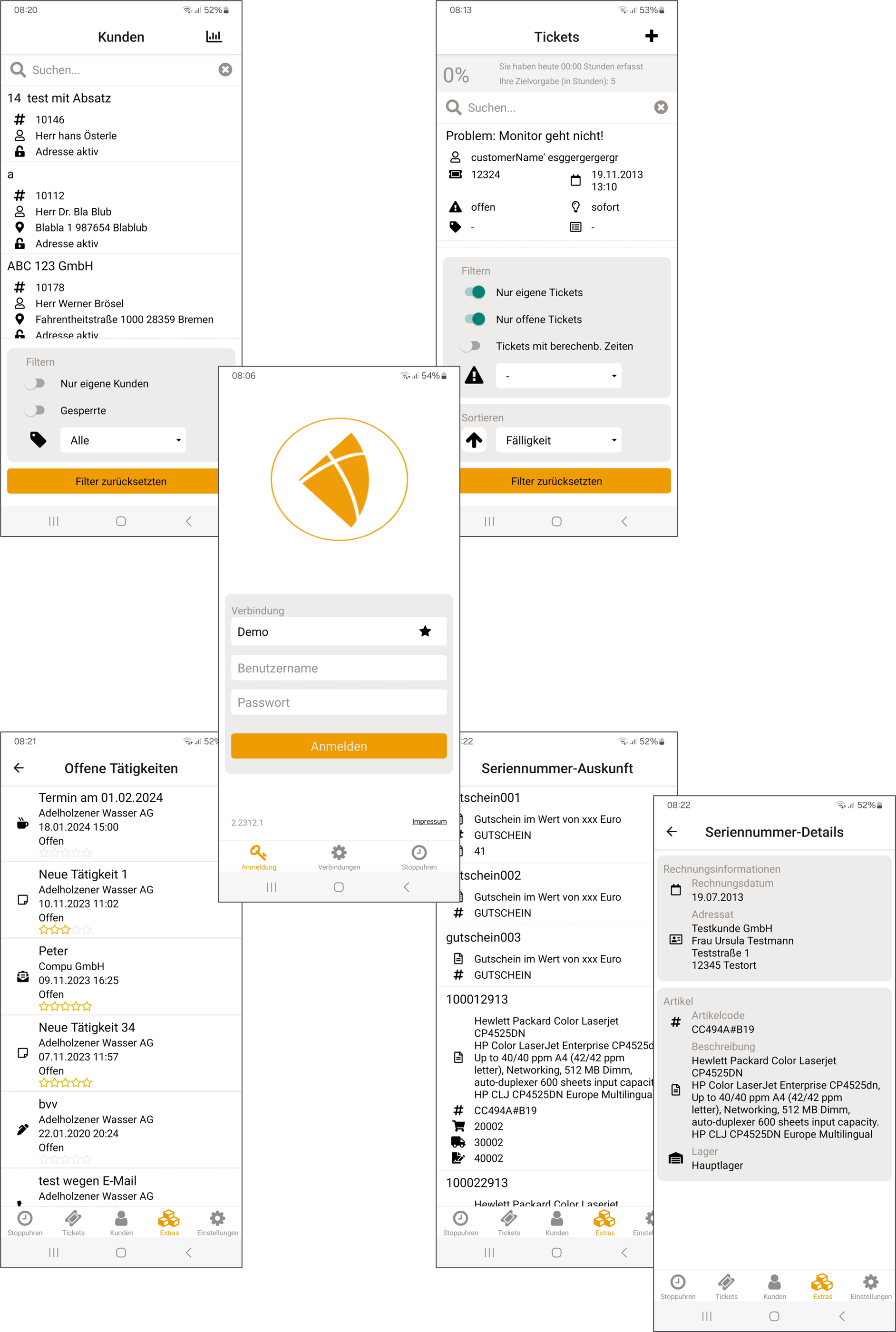
The iSuite offers you a comprehensive and intuitive way to record service times both online and offline, generate service reports, create or revise recorded times, filter tickets intelligently, and view ticket documents. You have access to all the important functions of the c-entron ticket system—right on your smartphone or tablet. But that's not all. With iSuite, you also receive all important customer details from c-entron quickly and clearly directly on your mobile device. For example, you can research all relevant sales details and your customers' contribution margins. Gain insights into contracts and get an overview of the status of quotas.
View your customers' addresses directly on Apple Maps or Google Maps and take a look at the photo of the contact person you will be visiting on site. You can then record your CRM activities directly on the go, keeping your CRM system up to date at all times.
Scope of services
add an email with attachment to the documents with a click
Time tracking on tickets online and offline
Effective filtering and full-text search on tickets
Overview of your customers' sales
Advanced customer search (e.g., filtering by customer type, location, or full-text search)
Inspect contribution margins for sales
Call the customer or contact person directly or contact them by email
Generate service reports on a ticket basis
Check a customer's CRM activities and record new CRM activities
View a customer's contracts
Add and edit checklists on tickets
For quota contracts: Overview of the current remaining quota
Display customer addresses on maps (Apple Maps, Google Maps)
Modern authentication techniques such as Touch ID
Checklist - Requirements
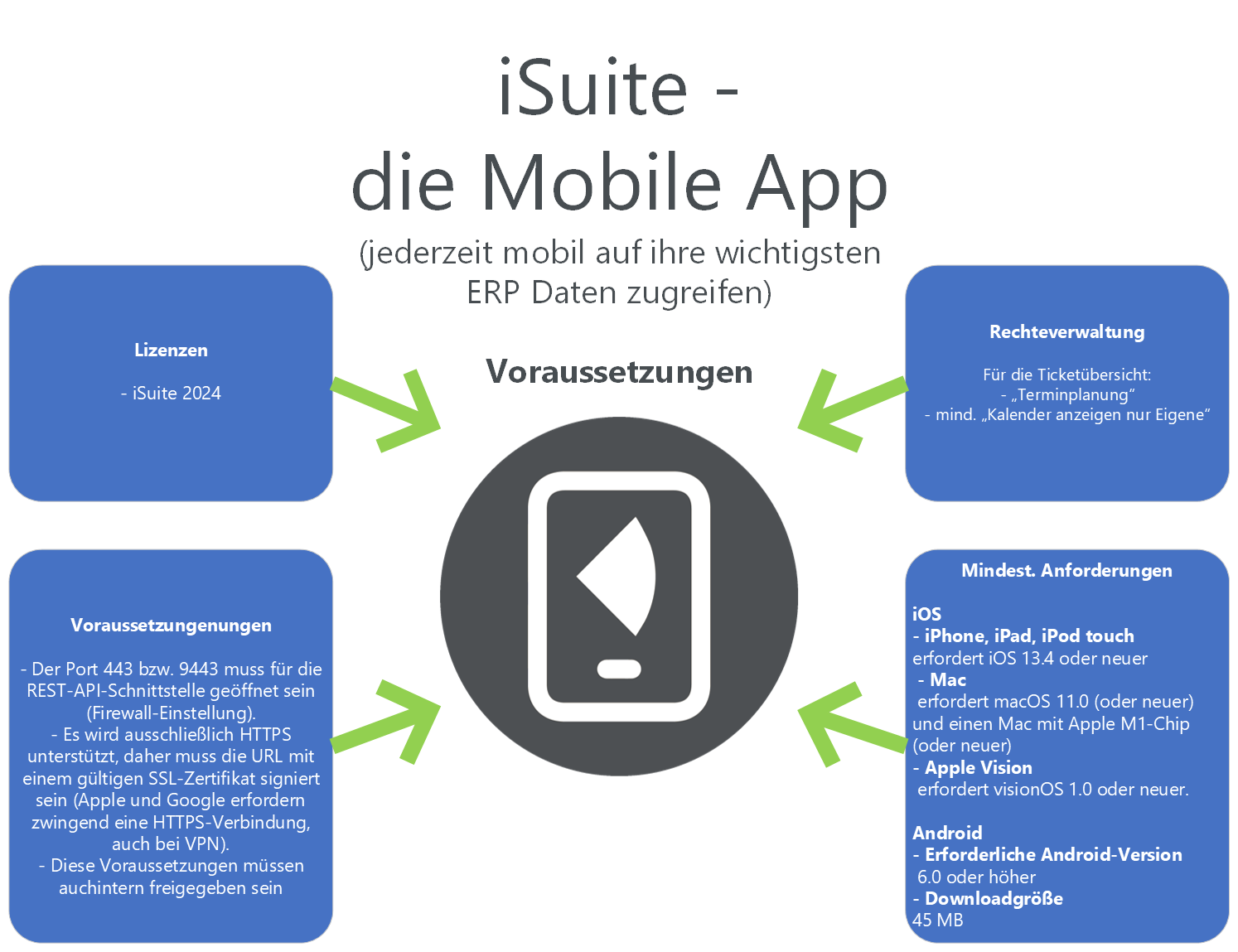
To use iSuite, you should check the following points in advance, which we have listed for you as a checklist:
General requirements
A current license for iSuite 2024 must be available.
Port 443 or 9443 must be open for the REST API interface (firewall setting).
Only HTTPS is supported, so the URL must be signed with a valid SSL certificate (Apple and Google require an HTTPS connection, even with VPN).
These requirements must also be approved internally
iOS
iPhone, iPad, iPod touch
requires iOS 13.4 or later.
Mac
requires macOS 11.0 (or later) and a Mac with Apple M1 chip (or later).
Apple Vision
requires visionOS 1.0 or later.
Android
Required Android version
6.0 or higher
Download size
45 MB
c-entron license
You need the license " iSuite - 2024“
(NOTE: You can view the licenses you are using in c-entron under the orange (i) Info icon in the top left corner under the "Licenses" tab or Global Settings – Administration – System – c-entron Licenses or in the c-entron Connection Manager by clicking on [Show Licenses] or in c-entron under Global Settings.)
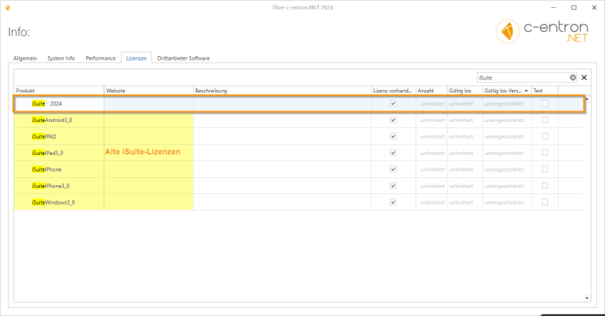
If you only have an outdated iSuite license that allowed you to access the old iSuite but not the new iSuite, please contact our sales team (Sales@c-entron.de) if you wish to continue using iSuite.
Rights
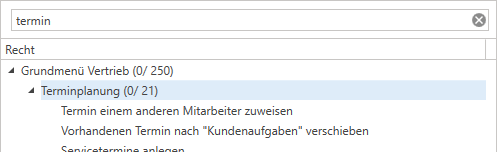
The ticket overview currently uses the Law "Scheduling" and at least that Right "Show only my calendars" required.
General
Dark Mode
The iSuite app is available for both iOS and Android devices and supports the use of Dark Mode.
The Setting up Dark Mode on your smartphone differs depending on the operating system you are using. Here are the steps for iOS and Android:
iOS (iPhone/iPad):
Open "Settings" on your device.
Scroll down and select "Display & Brightness."
Tap "Appearance" and select "Dark."
Android:
Open "Settings" on your device.
Search for "Display" or "Display & Brightness."
Depending on your Android version, you can choose between "Dark," "Light," or "Automatic." Select "Dark" to activate Dark Mode.
The exact names and steps may vary depending on the version of the operating system.
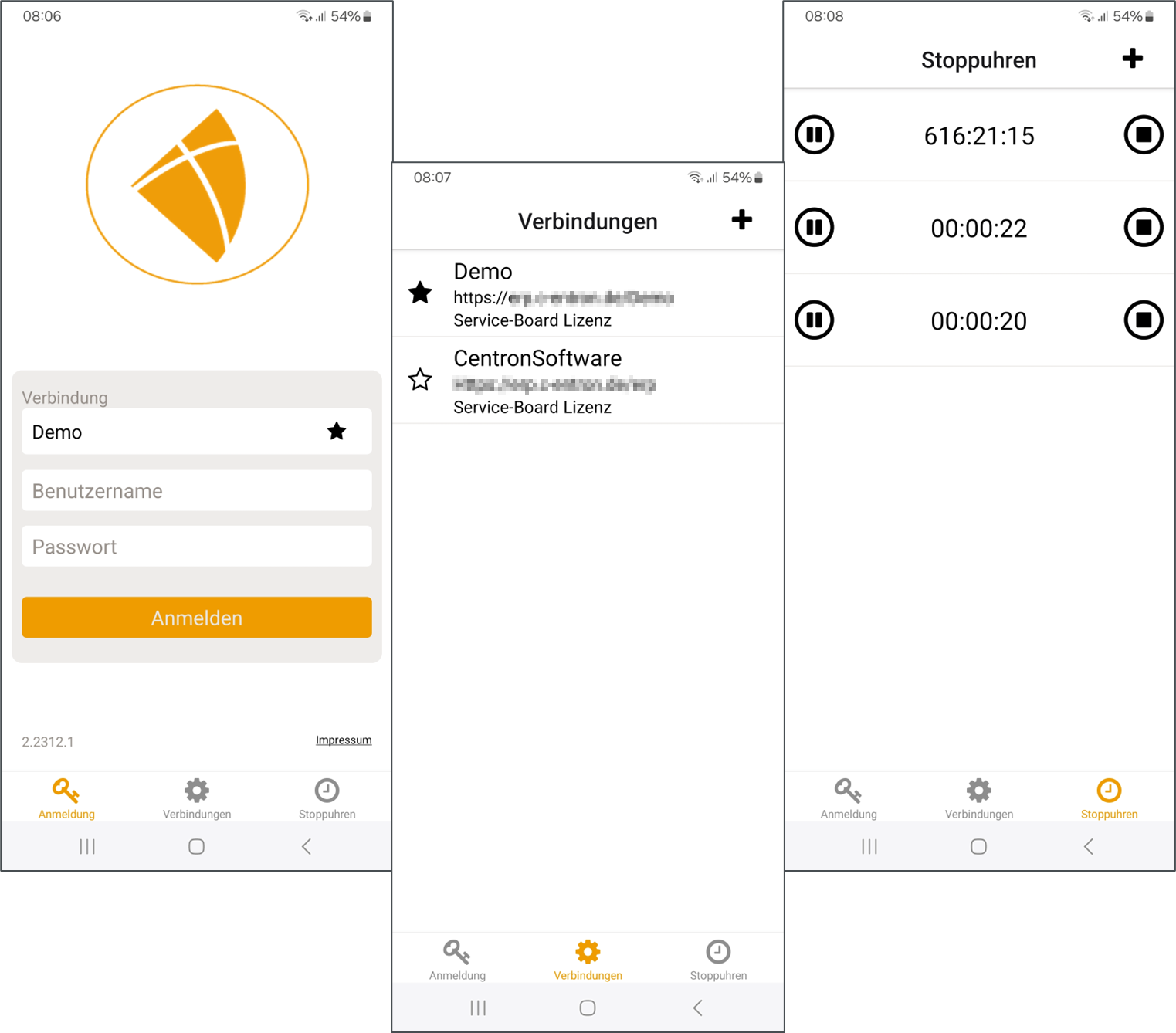
Login screen
After launching the app, the login screen appears first, displaying the version number. All saved connections are listed in the "Connections" section. Here you can add further connections by clicking on the plus sign. On the right-hand side, under the "Stopwatches" section, you can view existing "offline" stopwatches.